

Citypik
iPhone or Android for travel photos: which should you choose?
It is a classic question before a trip. Spoiler: on today’s mid-to-high-end phones, cameras are so close that the “winner” is rarely the hardware. What changes your trip is how you use the phone — and apps that add context to what you photograph.
1. Cameras: a practical tie
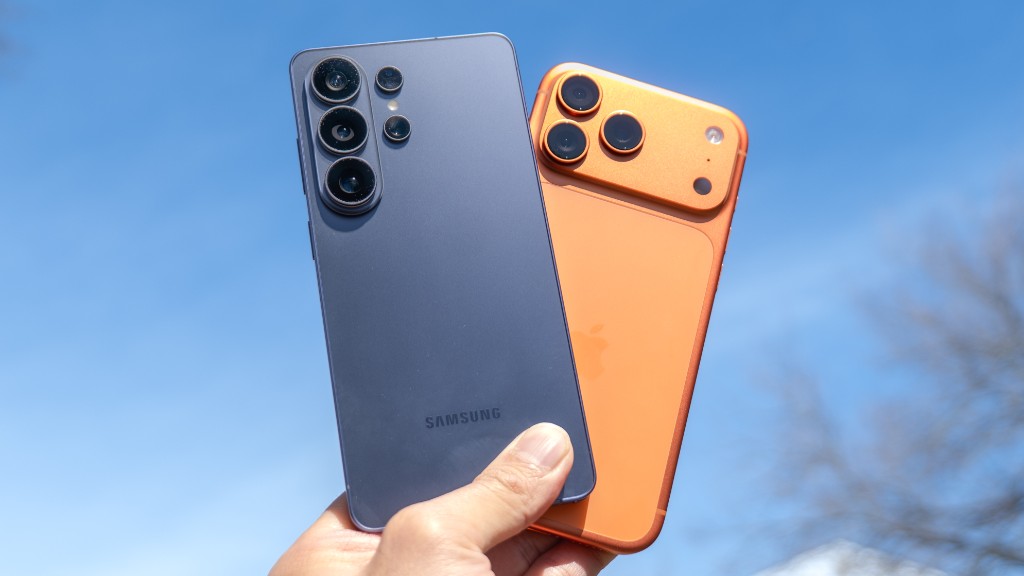
iPhone is strong on consistent color and stable video. Flagship Android (Pixel, Samsung and similar) often leads at night and with zoom. For a sunset, a square or a façade, both deliver shots that look good on your phone and on social media.
If you already own a phone from the last 3–4 years, upgrading only “for better travel photos” is rarely worth the cost.
2. What does change: everyday software
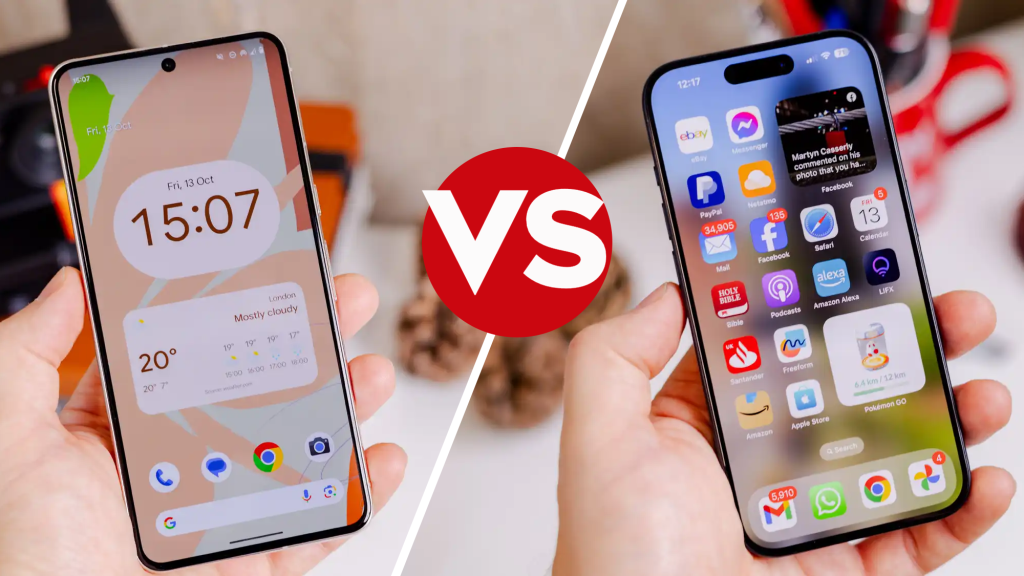
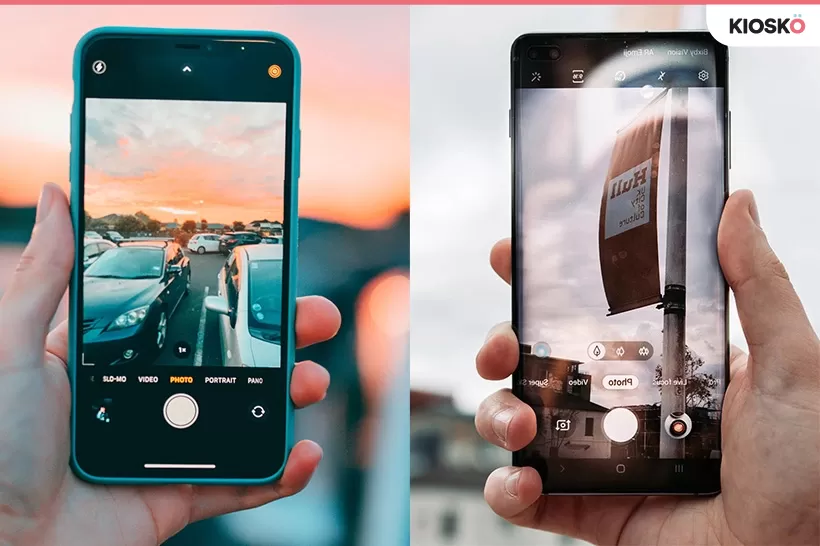
Camera UI, night/portrait modes and the built-in editor do feel different. On the street, though, you notice battery life, sharing, and above all the apps you carry.
3. The factor that matters most when traveling: context
You save hundreds of buildings and streets… and later you cannot remember what each one was. Apple and Google do not win that race — the app that explains what is in front of you does.
Citypik works on iPhone and Android: point your camera at a building or monument and get style, era, architect, a short story and an audio guide. Free scans every day, with no fixed tour schedule.
4. Verdict
Better iPhone or Android for travel photos? Both work if the camera is decent. Pick the system you already use, your budget or the size you prefer. Then spend time on apps that turn nice photos into memories with meaning — Citypik is one of them.